Omni-channel analysis
Bring chat, phone, email, SMS, surveys, reviews and social into one stream, so you can analyze every channel together or compare them.
Optional. You don't need this to get started. Back to the quickstart
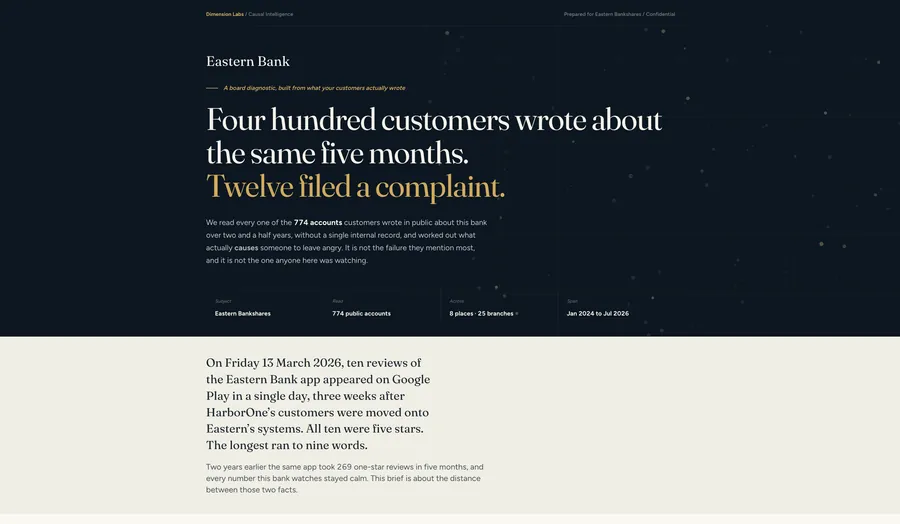
Customers reach you in many places. Some are conversations: live chat, phone, email, SMS, a bot. Some are direct feedback: forms, surveys, reviews, social posts. Each channel usually lives in its own tool with its own report. Dimension Labs puts them into one format, so you can analyze the whole picture at once, or compare channels on the same measures.
What you can do
Section titled “What you can do”- Combine any set of channels into one stream for analysis.
- Find the feedback that matters to your question with Dimensions designed for it, the same way on every channel.
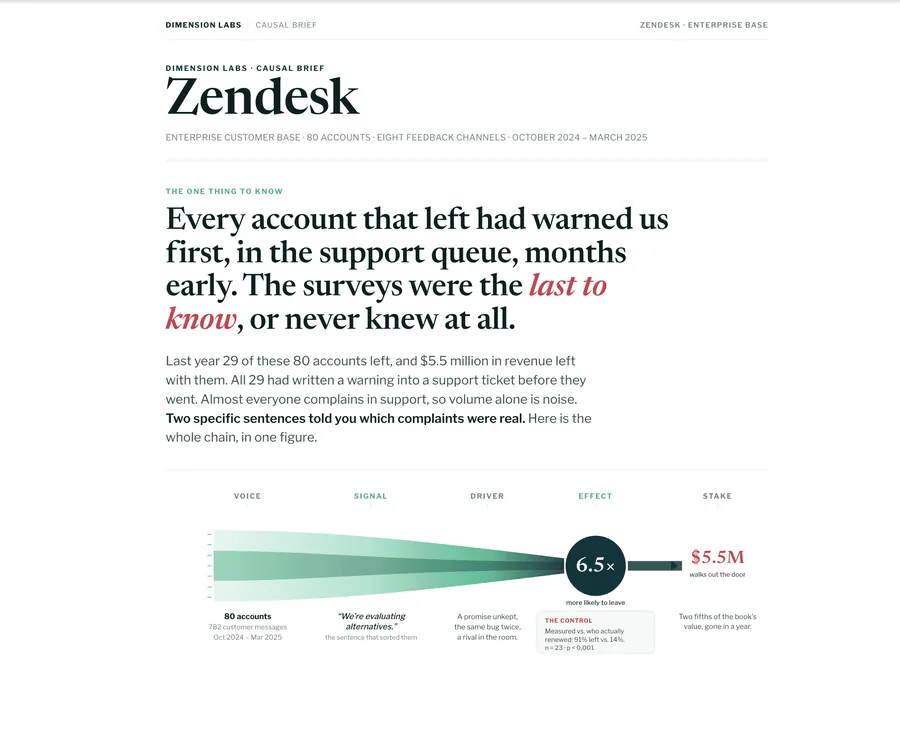
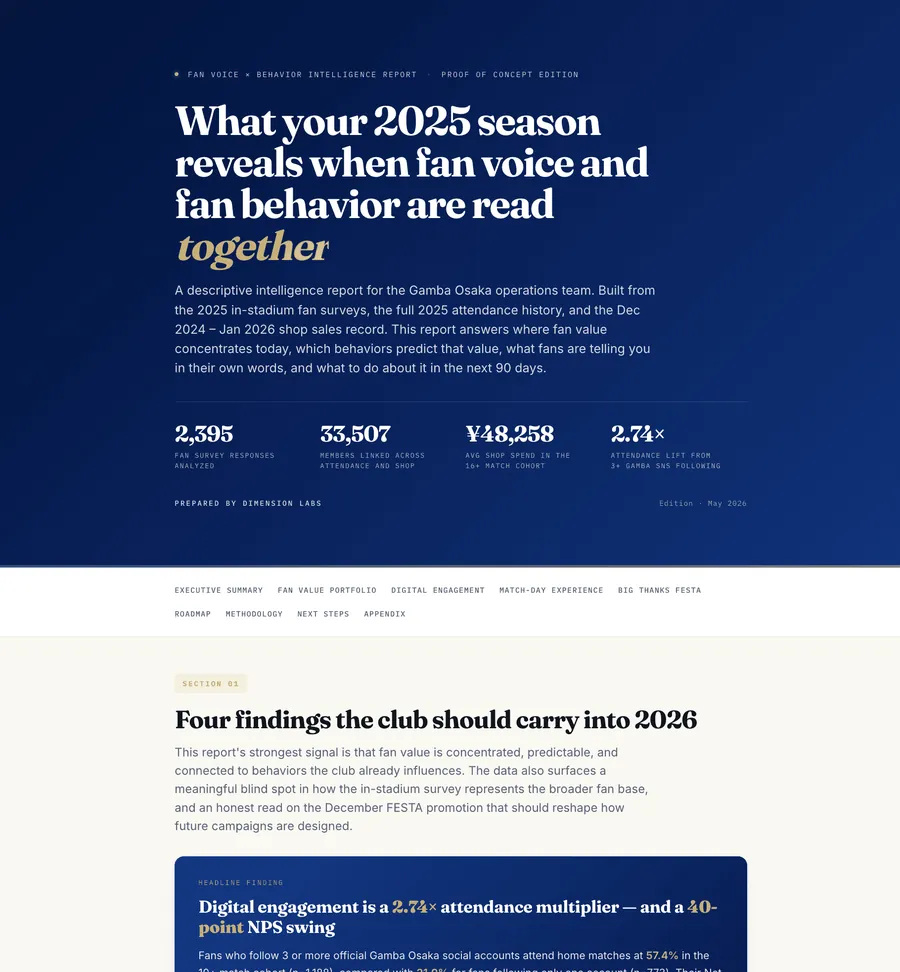
- Find meaningful themes across all of it, and rank them by their effect on an outcome rather than by how often they come up.
- Compare channels on the same Dimensions: do customers who call raise different issues from those who chat, and are they less satisfied?
Get every channel in
Section titled “Get every channel in”Every source goes into the same conversation format, whether it comes from a file, the universal API or an integration. Live integrations are enriched every day; a file upload needs a backfill. The rule is the same for every channel: anything the customer wrote or said is incoming: true, anything your company wrote is incoming: false.
| Channel | One conversation is | Notes |
|---|---|---|
| Live chat, bot, SMS | One conversation | Customer and agent or bot turns together |
| Phone | One call transcript | Split into turns by speaker if your transcription does it |
| Email, tickets | One ticket, with every reply | Include your replies as outgoing rows |
| Reviews | One review | Your public reply, if any, as a second row. See Reviews, surveys and tickets. |
| Surveys | One respondent | Questions as outgoing rows, answers as incoming rows |
| Social | One post, with its replies | Filter noise with a relevance score first |
Name the channel on every conversation
Section titled “Name the channel on every conversation”Add a channel field (in platformJson, or as an extra column in a file) with values such as chat, phone, email, review, survey. Dimensions are read from the text only, so the model can’t tell which channel a conversation came from unless you say. With the field, the agent can filter, compare and combine by channel.
Add the identifiers that link a conversation to a customer, an account, an order or a location, too. They let the agent join every channel to the same business data.
Design Dimensions that work on every channel
Section titled “Design Dimensions that work on every channel”Channels differ: a review is one message, a call is long and back-and-forth, a survey answer can be two words. When one prompt will read more than one kind of record, say so in its context:
- Say what kinds of record it will see, and how each is shaped.
- Keep the Dimensions about the customer’s experience, not the channel’s mechanics, so values mean the same thing everywhere.
- Add a relevance score for channels with a lot of noise, such as social and open survey questions, and filter on it before you compare.
- Test on a sample from each channel before running it on everything. See Test before you run.
When one channel needs Dimensions the others don’t (agent behavior on calls, star ratings on reviews), give it its own prompt and join the results by customer or account.
Questions to ask
Section titled “Questions to ask”- “Across chat, phone, email and reviews, what are the top five reasons customers are unhappy, and does the order change by channel?”
- “Do customers who contacted us on more than one channel about the same issue have lower predicted CSAT?”
- “Which issues show up in reviews before they show up in support tickets?”
- “Build one view of the customer experience by location, combining reviews, surveys and support conversations, with the drivers of one-star reviews ranked by effect.”